
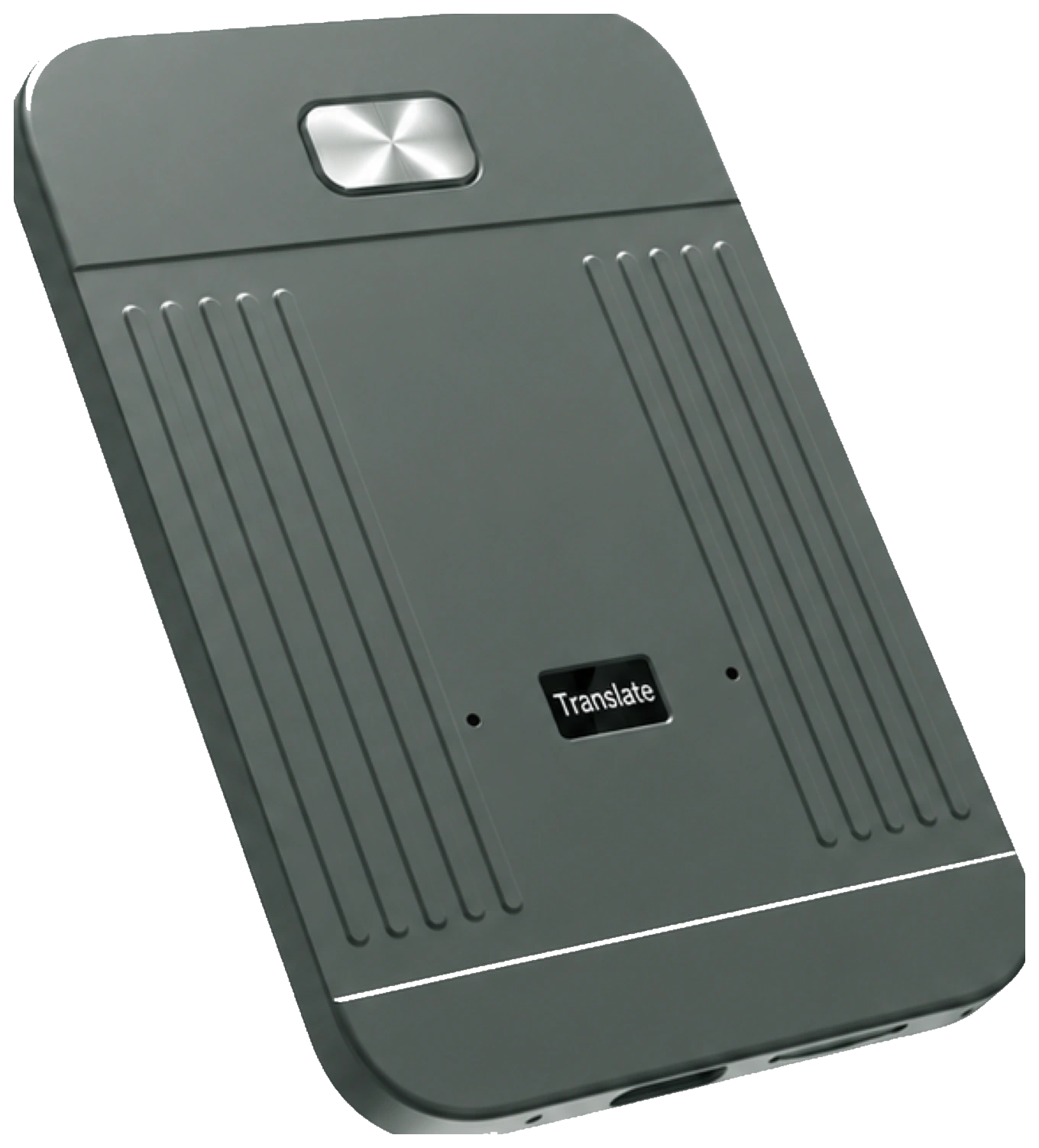
- 01
Press once to record
MeetIQ records independently without requiring the App to remain open.
- 02
Keep the recording local
Recordings are stored locally on the MeetIQ device by default.
- 03
Sync to the MeetIQ App
Synchronizing a recording to the App does not automatically upload it to MeetIQ servers.
- 04
Choose how to process
Select online processing or a supported offline function. Offline transcription and translation run locally on a compatible phone.
- 05
Create searchable knowledge
Generate transcripts, speaker identification and timestamps, then find the exact moment you need.
- 06
Understand and act
Create summaries, key points and action items, or ask questions with Ask AI. AI Summary and Ask AI require internet access.
How it works
One press.
Then, possibility.
MeetIQ keeps the recording workflow simple and gives you control over online or supported offline processing.