
Let’s simplify the onboarding flow for launch. I’ll finalize the onboarding copy by Thursday.
MEETIQ / RECORDER + APP + AI
Record the room.
Keep the insight.
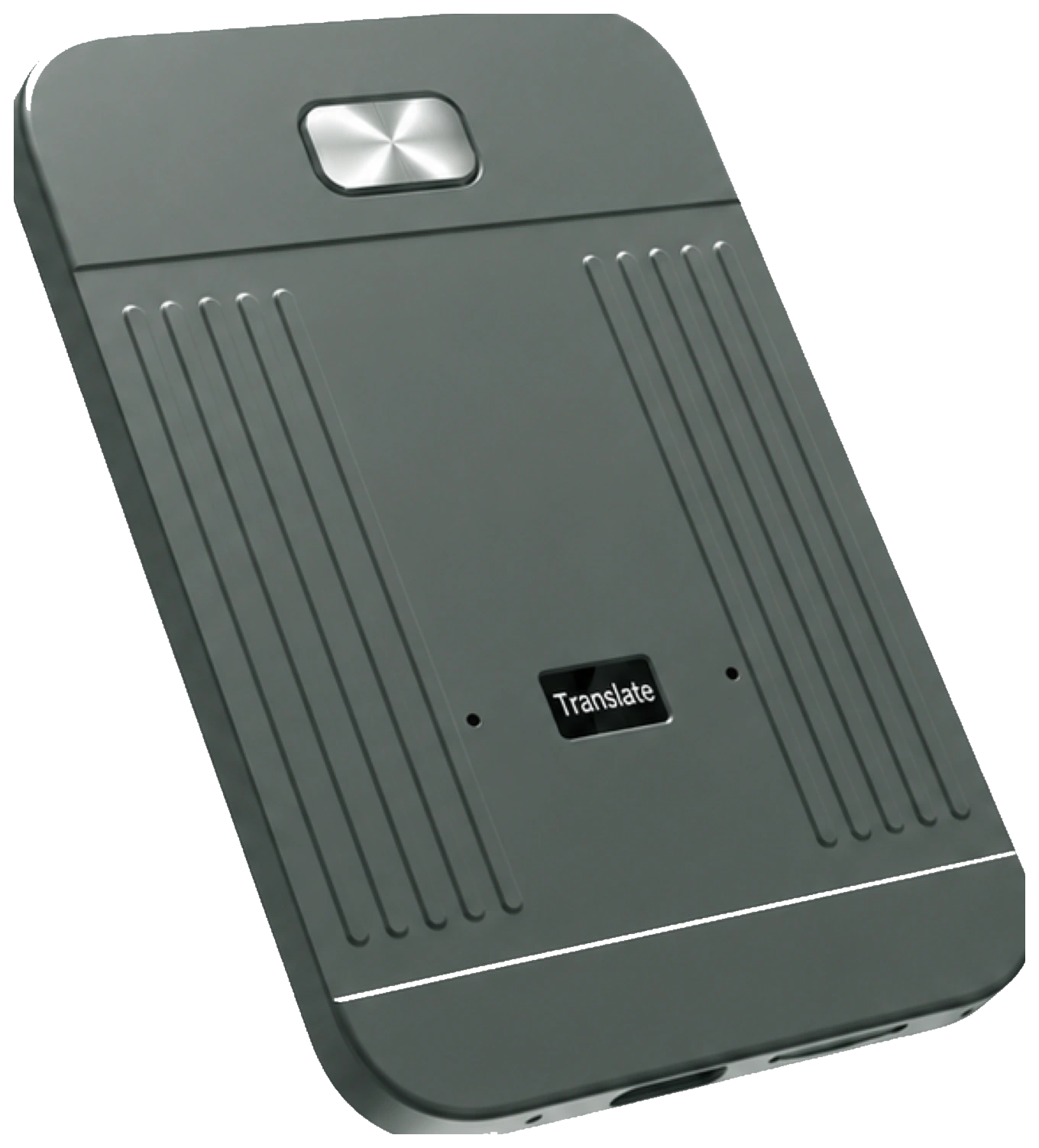
A standalone voice recorder, paired with the MeetIQ app. Capture a conversation, turn it into a searchable transcript, then find the decisions and next steps with AI.
iOS & Android · 3,000 transcription minutes every month
01 / THE RECORDER
Capture the conversation.
Press the physical button. Audio stays on the device until you sync.
02 / THE APP
Bring it all together.
Sync recordings to your phone and choose how to process them.
03 / THE AI
Make the recording useful.
Read transcripts, review summaries and ask about what was said.
01 / HOW MEETIQ WORKS
Record. Sync.
Read. Act.
Choose a step to see what happens on the recorder and in the app.
 MEETIQ IN USEIllustrative app views
Conversation captured.Saved on your recorder
01 / RECORDYour phone can stay in your pocket.
MEETIQ / RECORDINGS
Your conversations.
Ready when you are.
Launch planningAudio recording
Available in the app
Choose how to process this recording next.
Syncing alone does not upload your recording to MeetIQ servers.
02 / SYNCBring the recording into the MeetIQ app.
MEETIQ / TRANSCRIPT
Launch planning
3 speakers · Sample excerpts
Jamie00:04
I’ll finalize the onboarding copy by Thursday.
Alex00:31
Once Jamie’s copy is ready, I’ll share the launch checklist on Friday.
Morgan01:16
I’ll schedule our progress review for Friday.
WHO + WHENAlex 00:31
The words, linked to the speaker and moment.
03 / TRANSCRIBERead who said what, with timestamps.
MEETIQ / AI SUMMARYLaunch planning,
Launch planning,
made clear.
THE DECISION
Simplify onboarding for launch. Review the copy and checklist on Friday.
NEXT STEPS
AI Summary requires an internet connection.○
Finalize the onboarding copyJamie · Thursday
○
Share the launch checklistAlex · Friday
04 / ACTLeave with decisions and a clear next step.
02 / SEE WHAT YOU ACTUALLY GET
Same meeting.
Four ways to use it.
Switch views to follow a sample launch discussion from the original words to a practical plan.
MEETIQ WORKSPACESAMPLE / PRODUCT TEAM
Launch planning
3 speakers · Selected excerpts
Find the words. Keep the context.
Speaker labels show who said what. Search this example for “Friday” or “Alex”.
Agreed. Once Jamie’s copy is ready, I’ll share the launch checklist on Friday.
I’ll schedule our progress review for Friday. We’ll check the copy and checklist together.
No matching excerpts. Try a different word.
The useful part, without the replay.
A concise overview and the decisions behind the next steps.
AI SUMMARY
A simpler onboarding, ready for review.
The team agreed to simplify onboarding for launch. Jamie will finalize the copy by Thursday, Alex will share the checklist on Friday after the copy is ready, and Morgan will schedule Friday’s progress review.
01 / DIRECTION
Simplify onboarding for launch.
Focus the first-run experience.
02 / CHECKPOINT
Review progress on Friday.
Check the copy and launch checklist together.
Know what happens next.
Tasks, owners and timing, drawn from the discussion. Try checking off an example task.
MEETING ACTION ITEMS
Demo checkmarks stay on this page only. No tasks are sent or scheduled.
Ask a question. Find the relevant part.
Choose an example question to see an answer based on this meeting.
MEETIQ / EXAMPLE ANSWER
Alex will share the launch checklist on Friday, after Jamie’s onboarding copy is ready.
Based on Alex’s excerpt · 00:31Audio → transcript → understanding → actionAI output can contain errors. Review important details.
MADE FOR THE MOMENT
Life doesn’t happen
in bullet points.
Good conversations deserve your attention.
At work, over coffee, or when something new clicks.

Be in the discussion.
Listen, contribute, and stay with the room. Come back to the decisions and action items after the meeting.

Follow the conversation.
Give your next question room to happen. Revisit the interview in a searchable transcript when you are ready.

Stay curious. Revisit later.
Focus on the explanation as it unfolds. Return to the recording and transcript to review the details.
Illustrative scenes, not endorsements. Always get permission before recording.
03 / KNOW WHAT RUNS WHERE
Record offline.
Choose what comes next.
Recording, syncing and cloud processing are different steps. Here is what needs a connection.
Recording without your phone.
Press the button to record independently. Audio is stored locally on the recorder by default.
No internet needed to recordSelected offline functions.
Supported offline transcription and translation run locally on a compatible phone. Availability depends on phone and function support.
Check compatibility before relying on offline useAI summaries and Ask AI.
Online transcription, AI Summary and Ask AI use cloud processing. Relevant audio or text is processed online when you use these features.
Internet required for online AISyncing is not the same as uploading. Bringing a recording into the app does not automatically upload it to MeetIQ servers. Choose the processing mode you need.
INCLUDED WITH YOUR DEVICE
3,000 minutes.
Every month.
That is 50 hours of transcription per month.
No recurring subscription is required for the included services.
- Transcription with speaker identification and timestamps
- AI summaries, decisions and action items
- Translation and unlimited Ask AI under normal use
- Import existing audio into the MeetIQ app
Translation and Ask AI do not consume transcription minutes. The 3,000-minute allowance is not unlimited transcription. Included AI services are committed for at least 36 months from activation, subject to product terms.
04 / THE DEVICE BEHIND IT
Ready for the room.
Easy to take along.
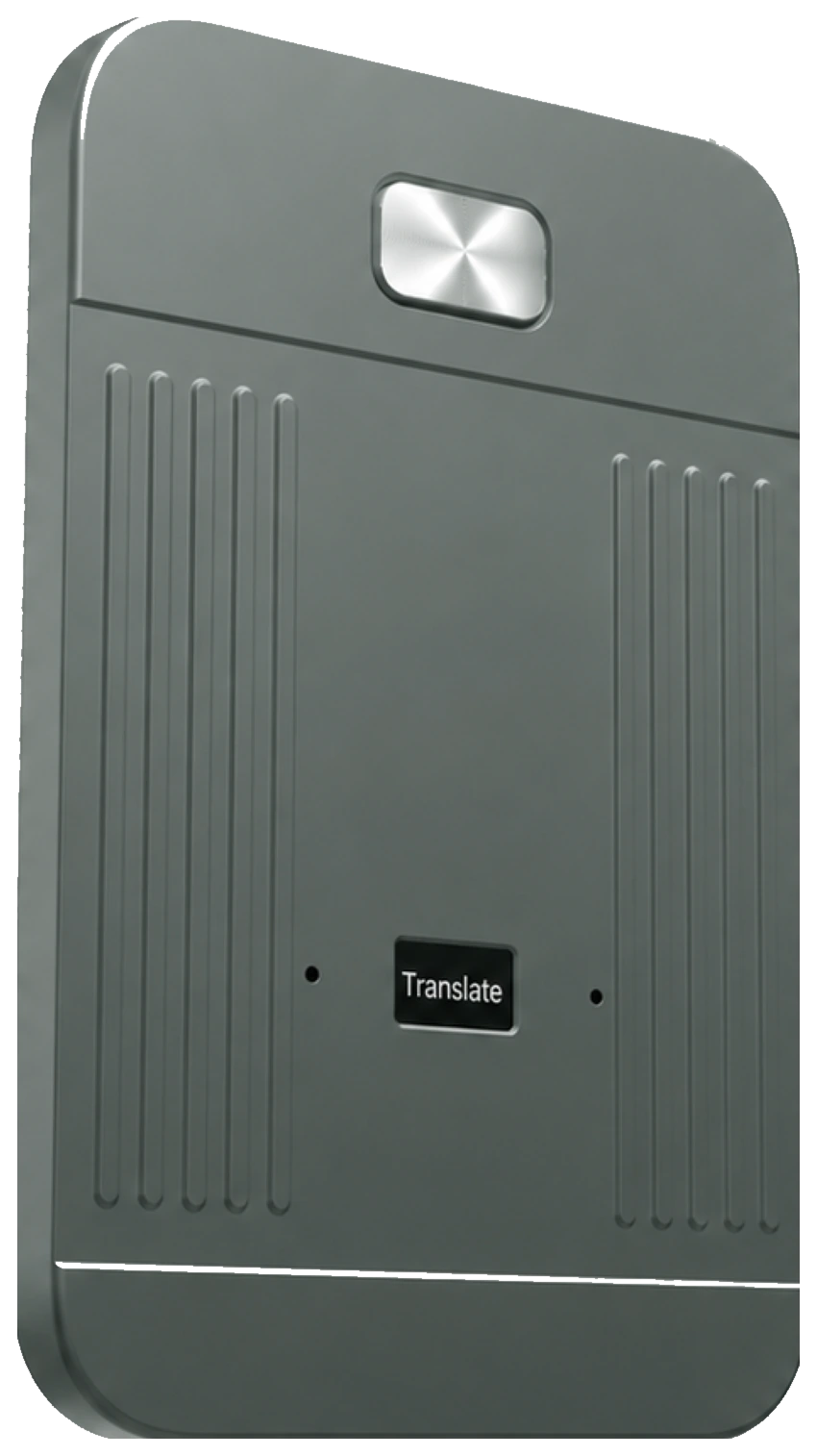
A physical recording button, on-device storage and USB-C charging. Explore the product views below.
 01 / ONE-PRESS RECORDING
30 hContinuous recording, up to
62 gDevice weight
64 GBBuilt-in storage
86.5 mm86.5 × 37 × 11.5 mm
YOUR MEETIQ ESSENTIALS
Inside the box.
Everything supplied with your recorder.
Read the getting-started guide- 01MeetIQ recorderGraphite Gray · 64 GB
- 02USB-C charging cableFor recharging your recorder
- 03Magnetic ringFor non-magnetic phones
- 04Quick-start documentationSetup and recording guidance
YOUR NEXT CONVERSATION, ORGANIZED
Record it.
Make something of it.
Get MeetIQ US$129↗Free standard shipping · 14-day returns · 12-month warranty
Always obtain any legally required consent before recording.